Photos & Media
Choose your hero photoThe main photo on your For Sale sign, booklet cover and listing page., your favourites and the order of your listing photos. The Celby team has pre-selected photos from your shoot – adjust anything you like.
Choosing your photos
How to pick a hero photo, your 8 favourites and the order of your listing photos – so your sign, booklet and listing page all show your home at its best.
Covered in this video
Hero photo
Your hero photo is the main photo on your For Sale sign, the front cover of your booklet and the first photo on your listing page.
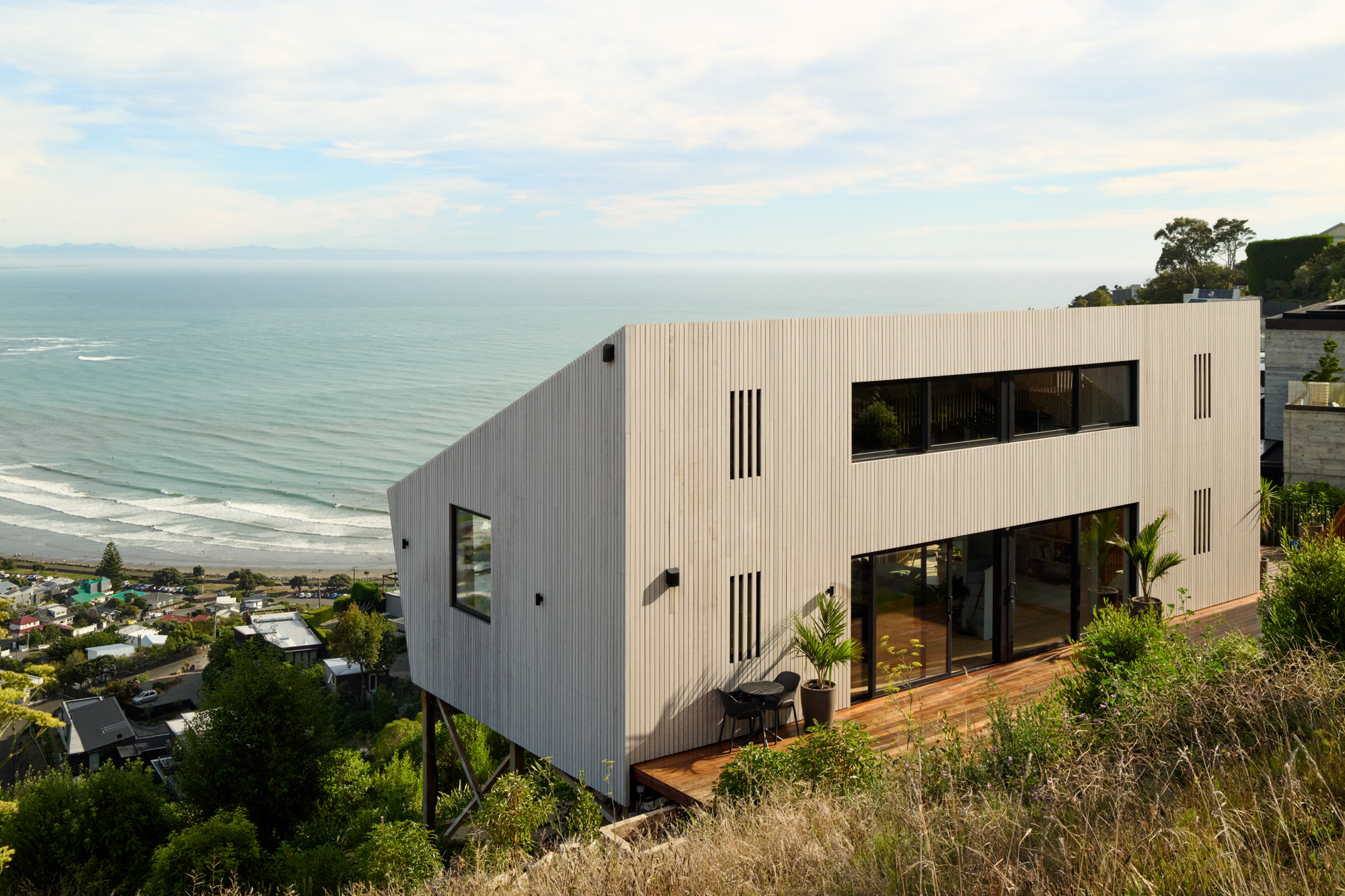 Hero
HeroFavourites
These 8 are the most prominent photos – used across your booklet, social posts and the top of your listing. Pick the best representation of the whole property: a mix of the key indoor rooms, outdoor areas and the street view.
Hero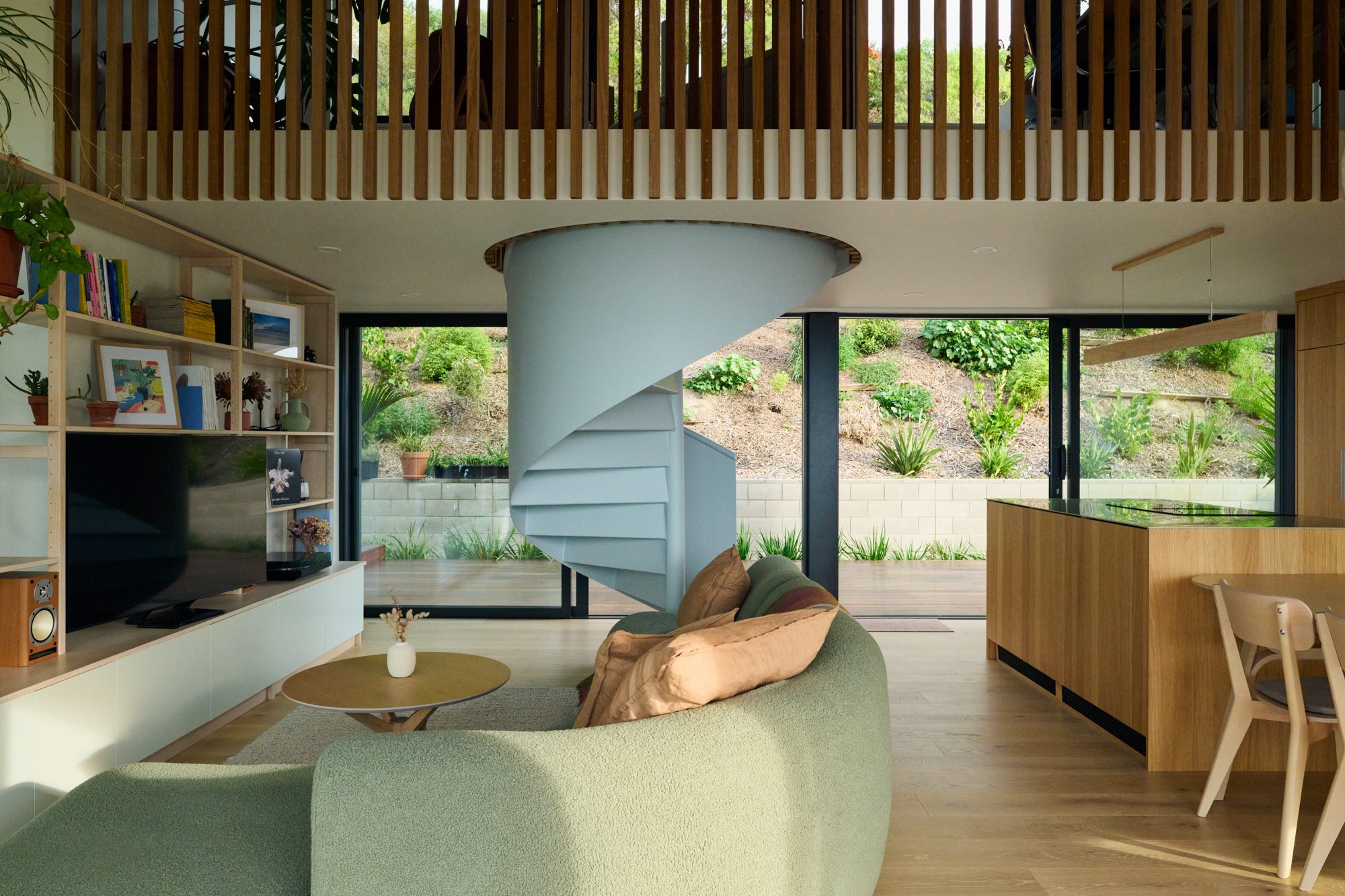
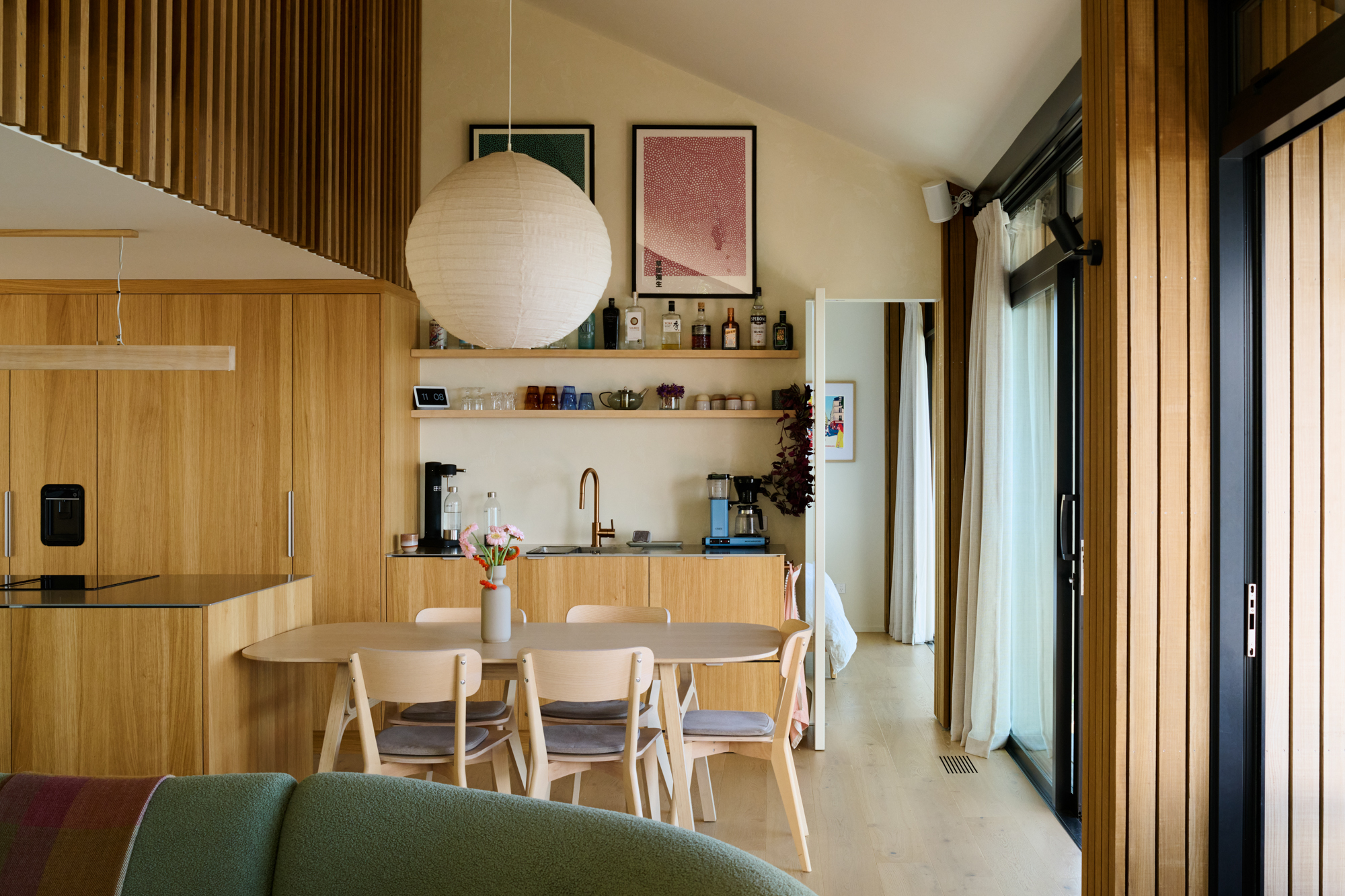
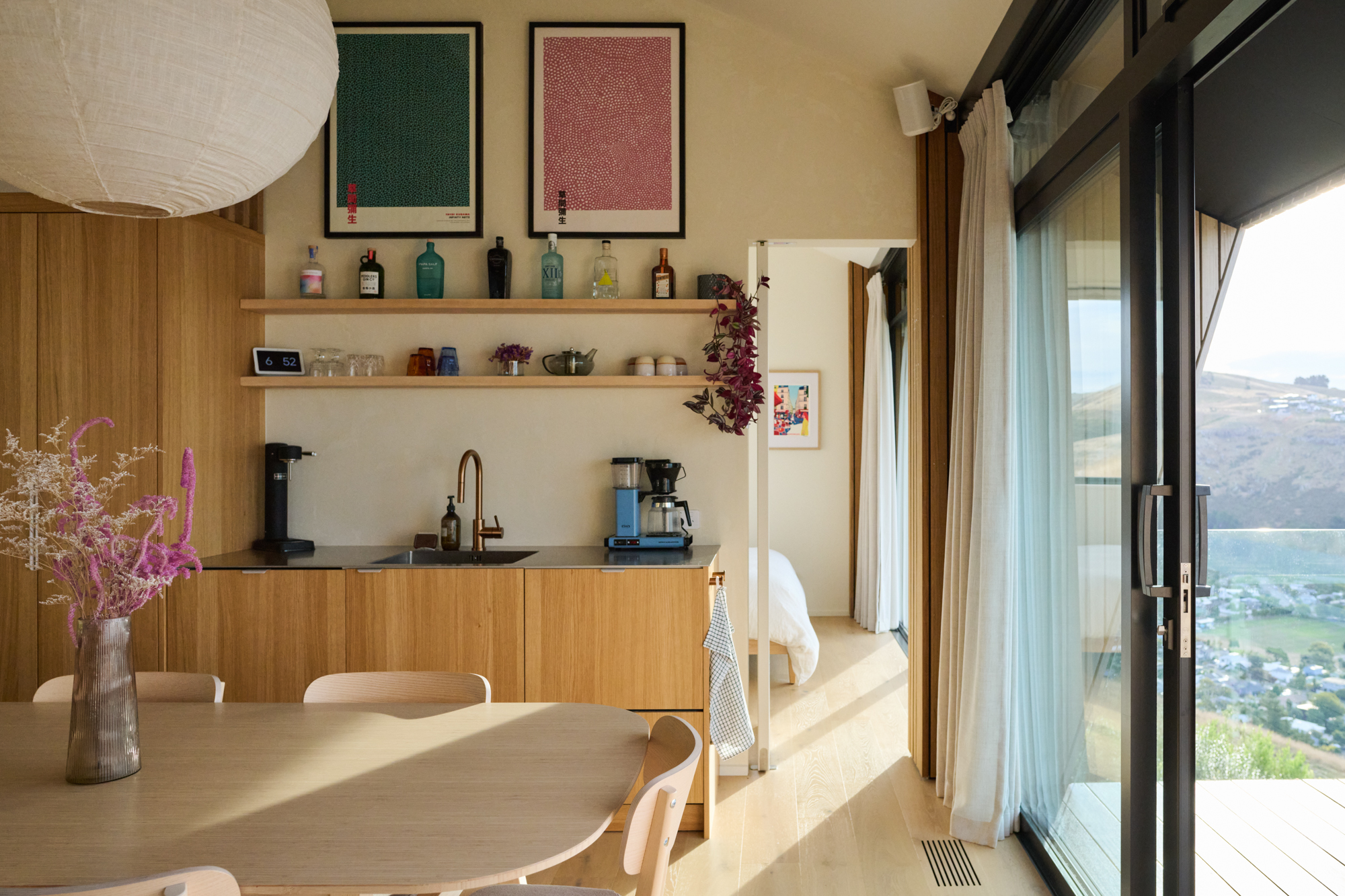
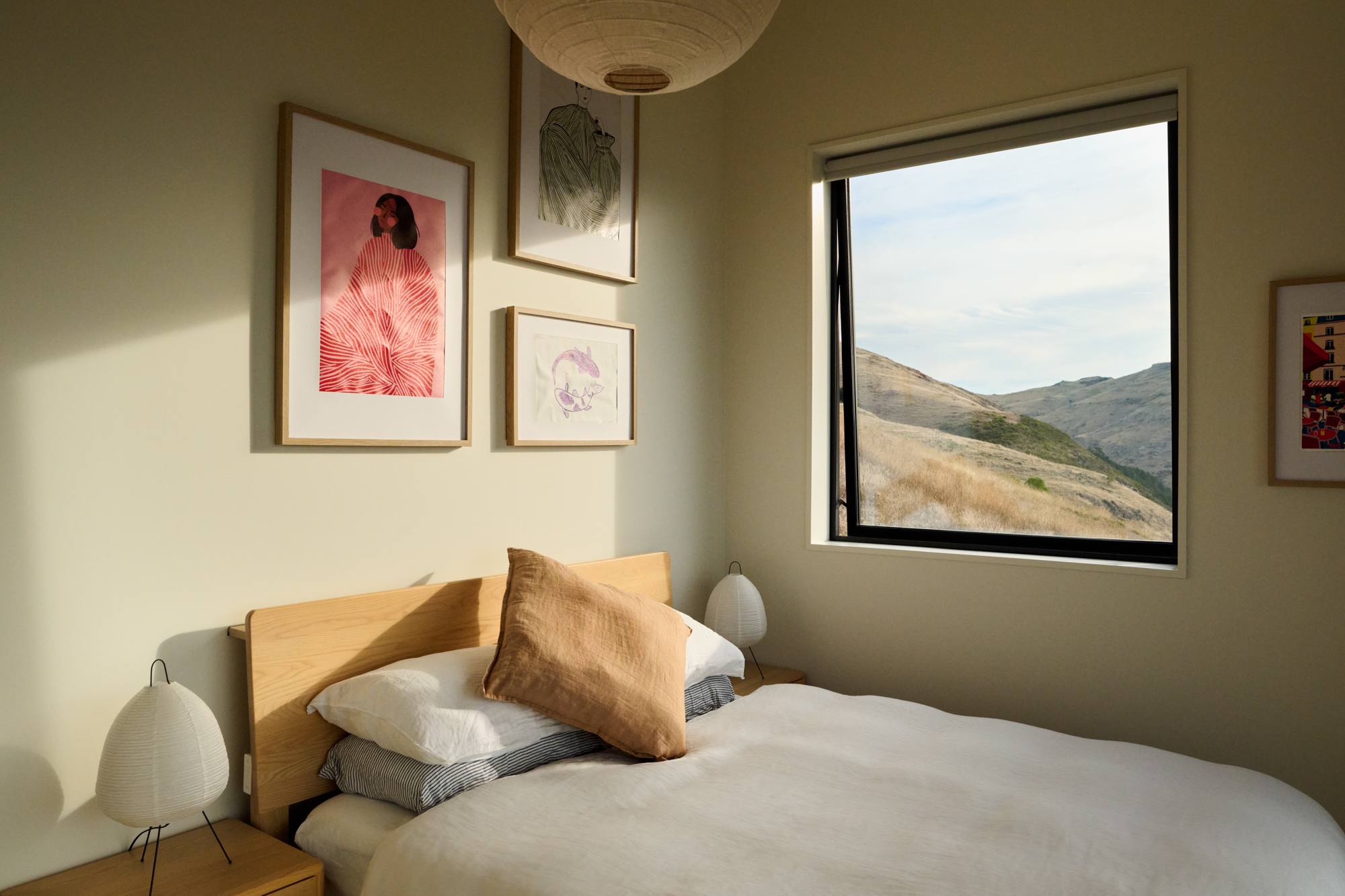
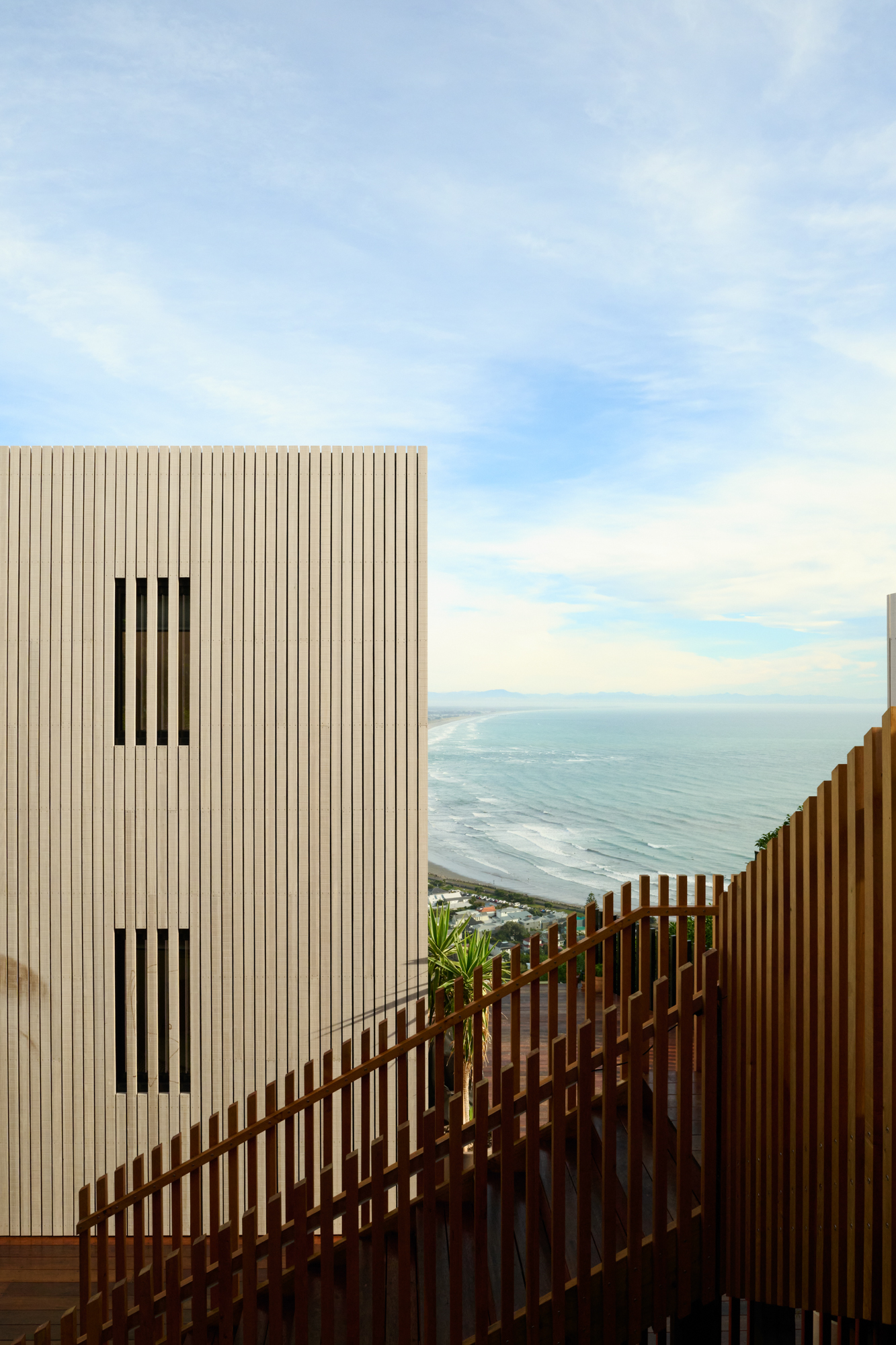
Star a listing photo to add it here
Star a listing photo to add it here
Listing photos
13 of 25Drag to reorder. Tap the star to make a photo a favourite, or × to move it to “Not using”.
1 Hero2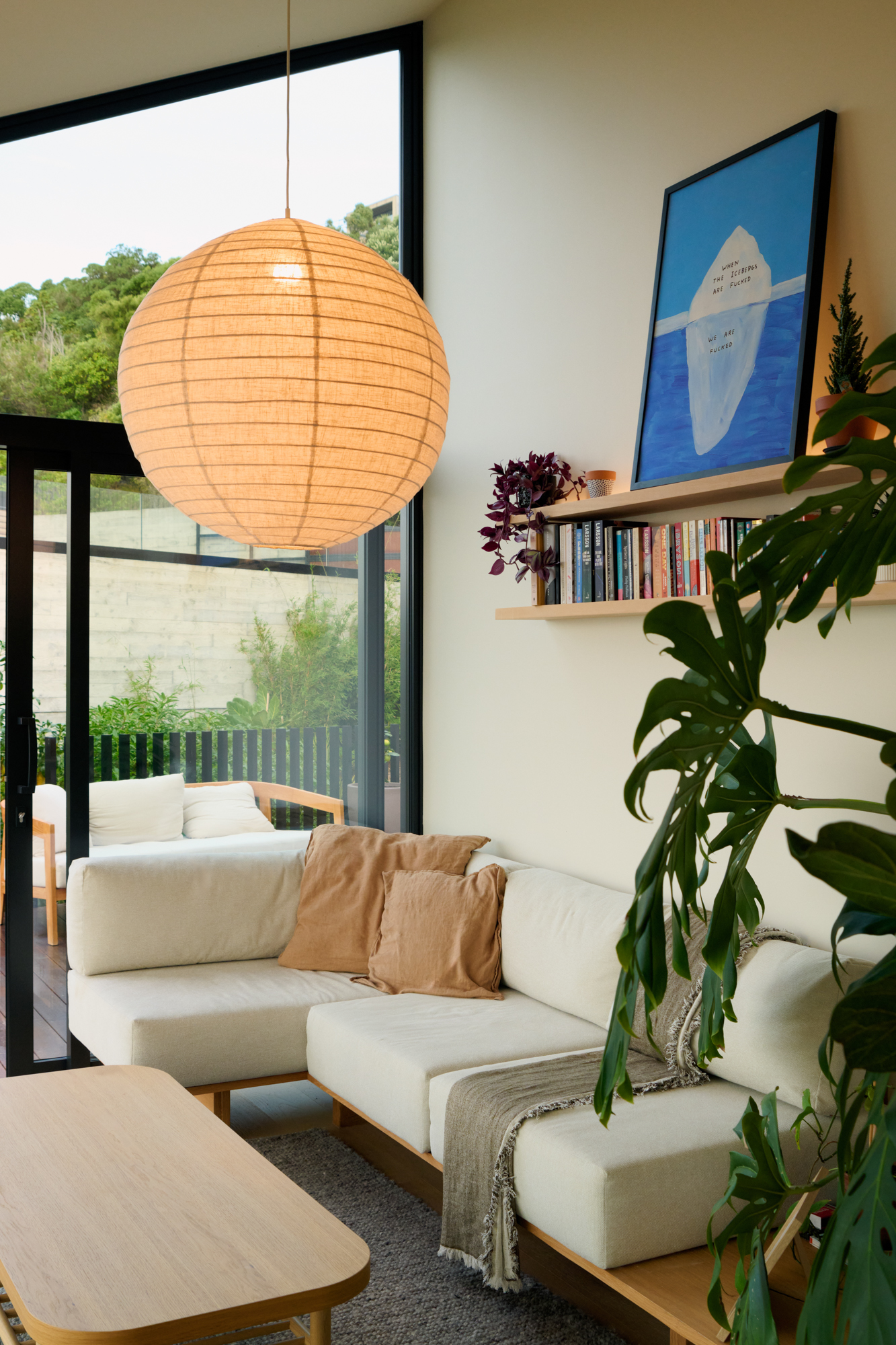 34
34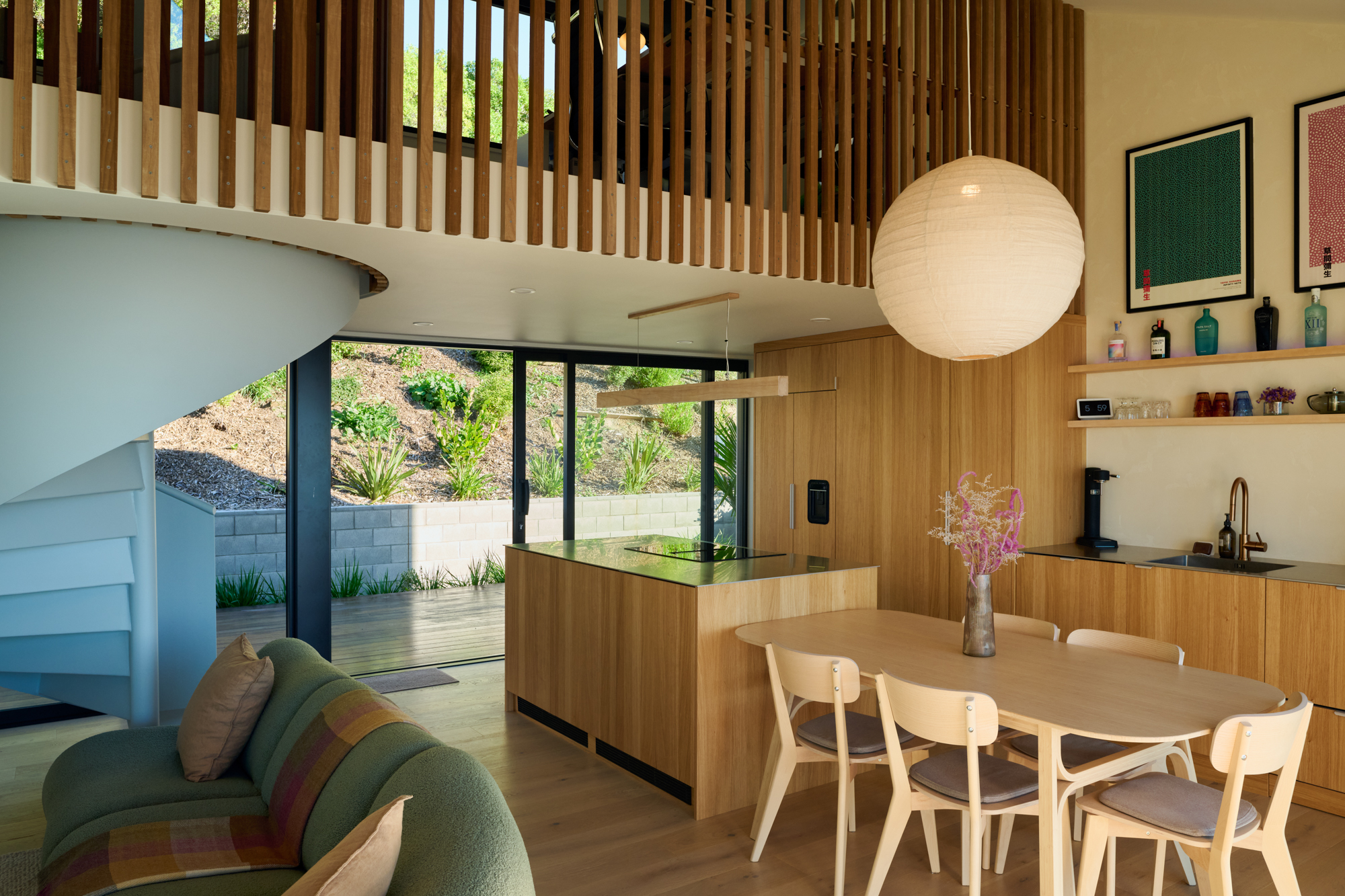 56
56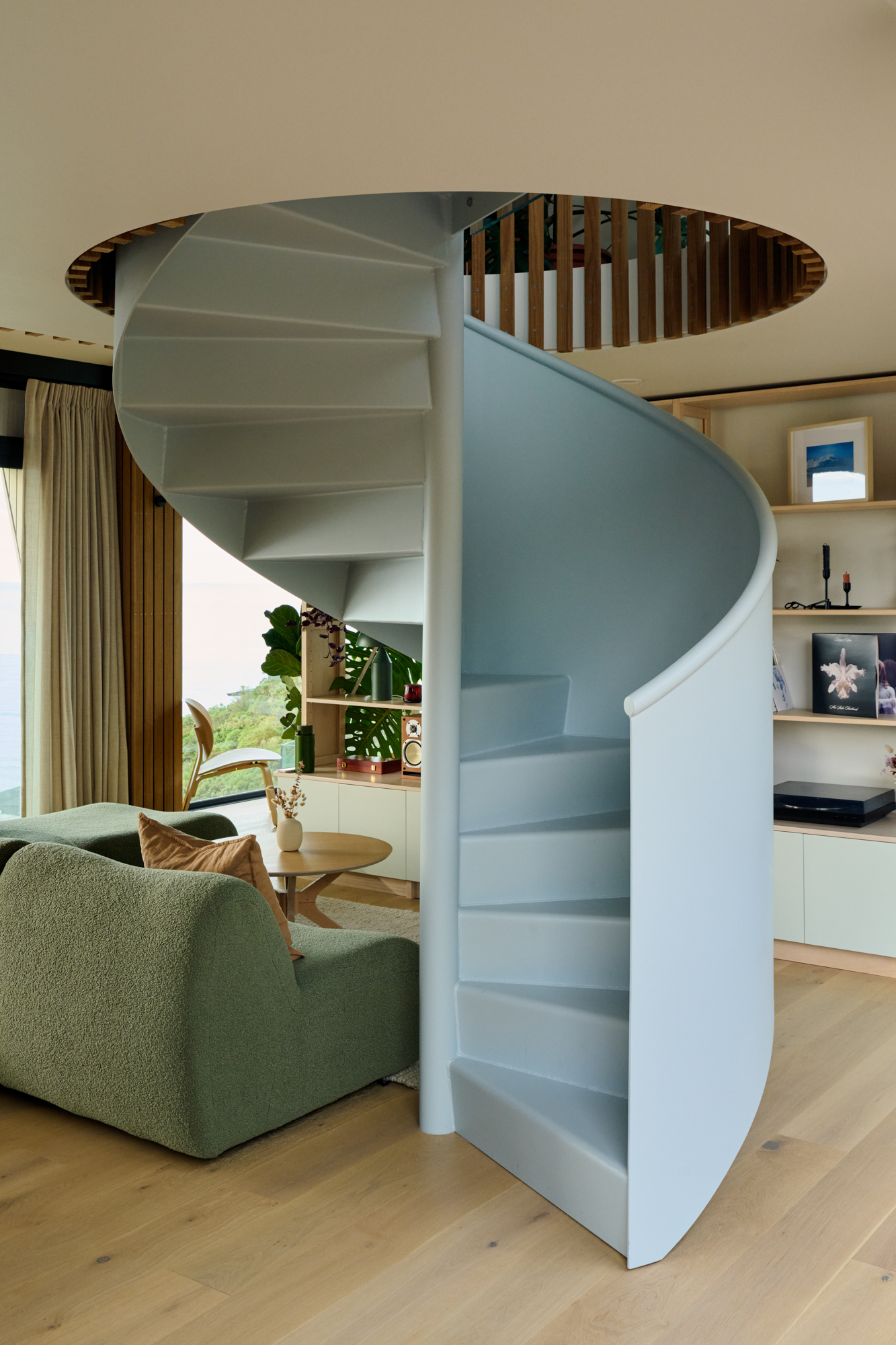 78
78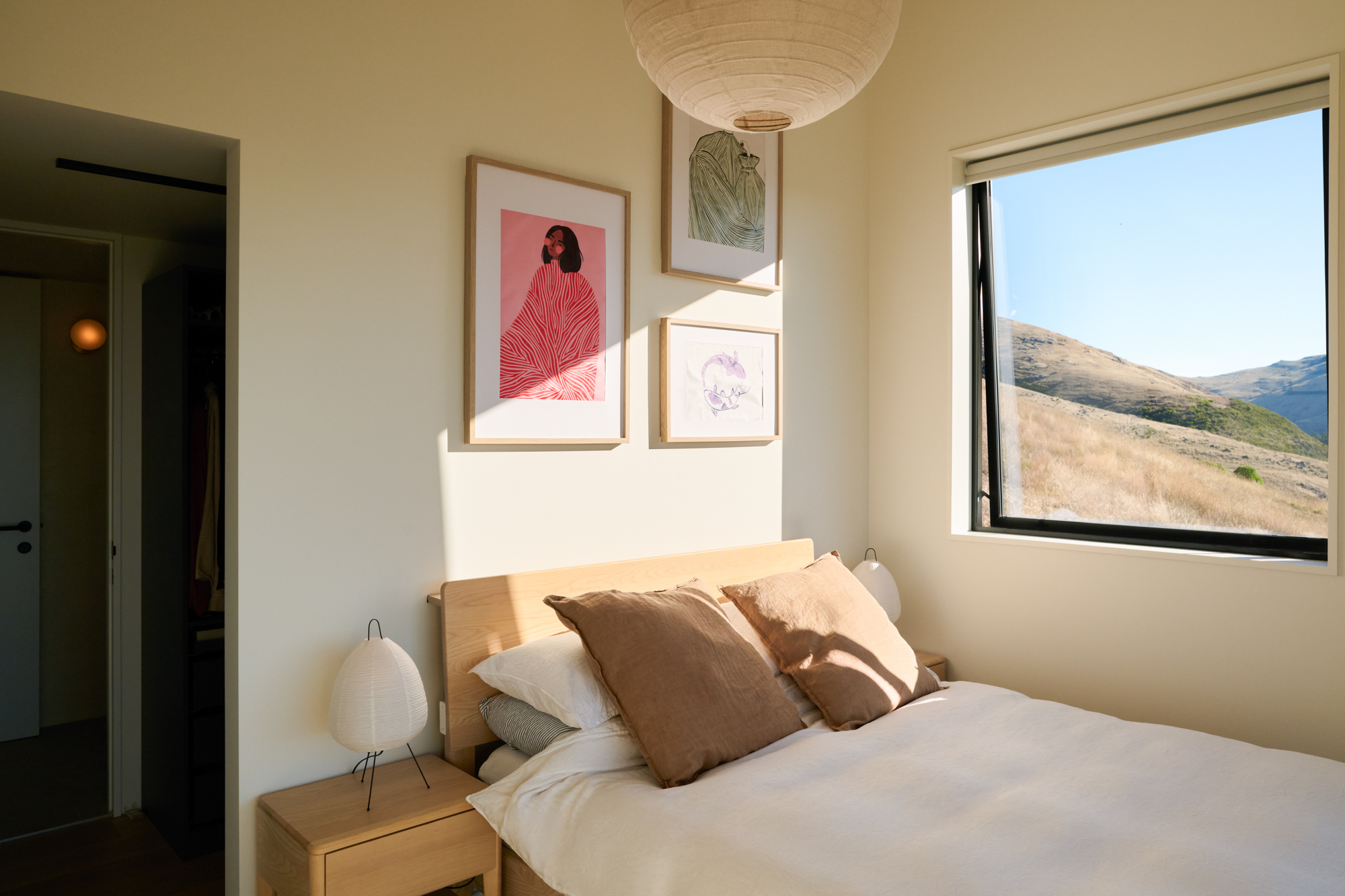 9
9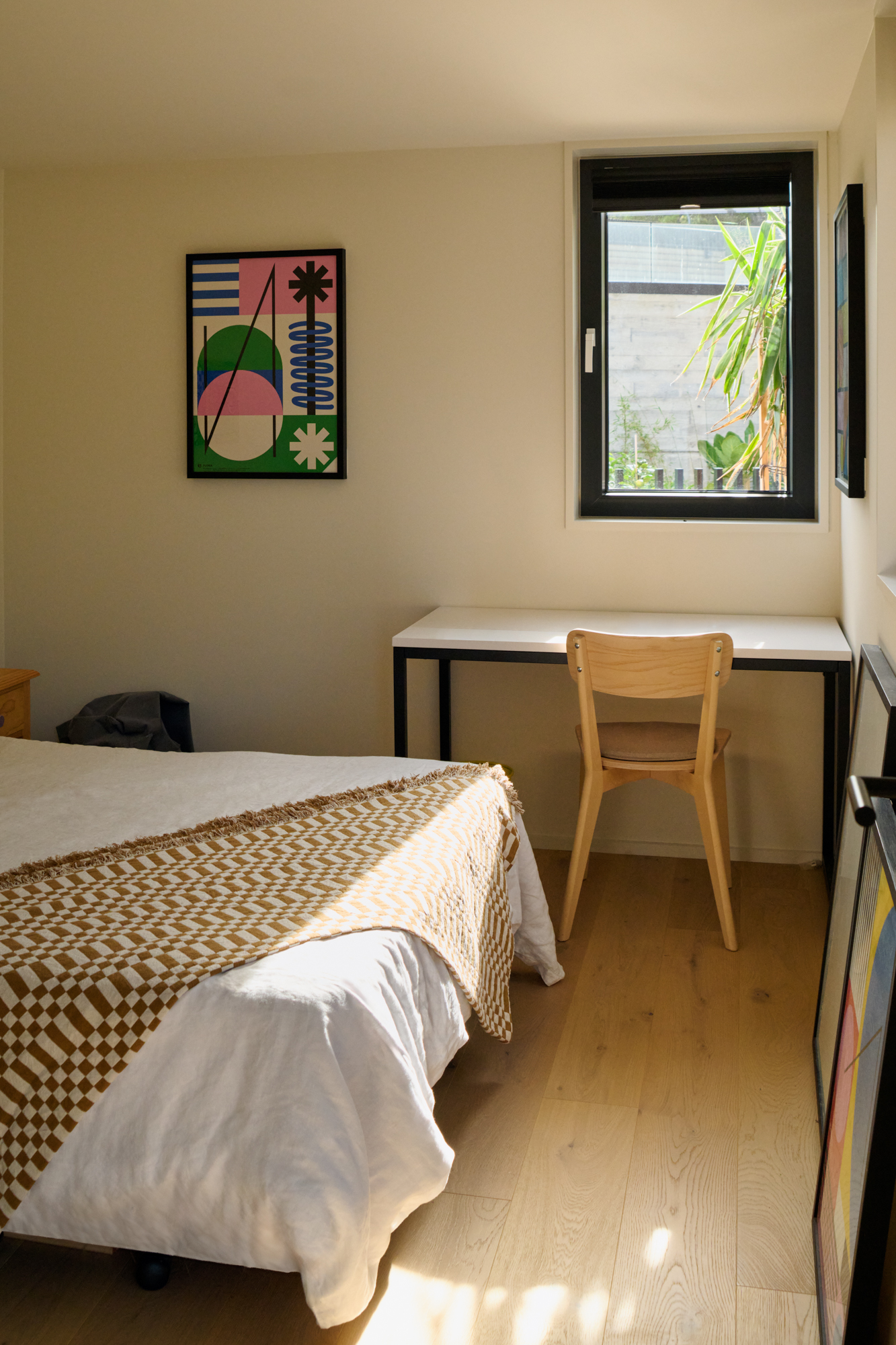 10
10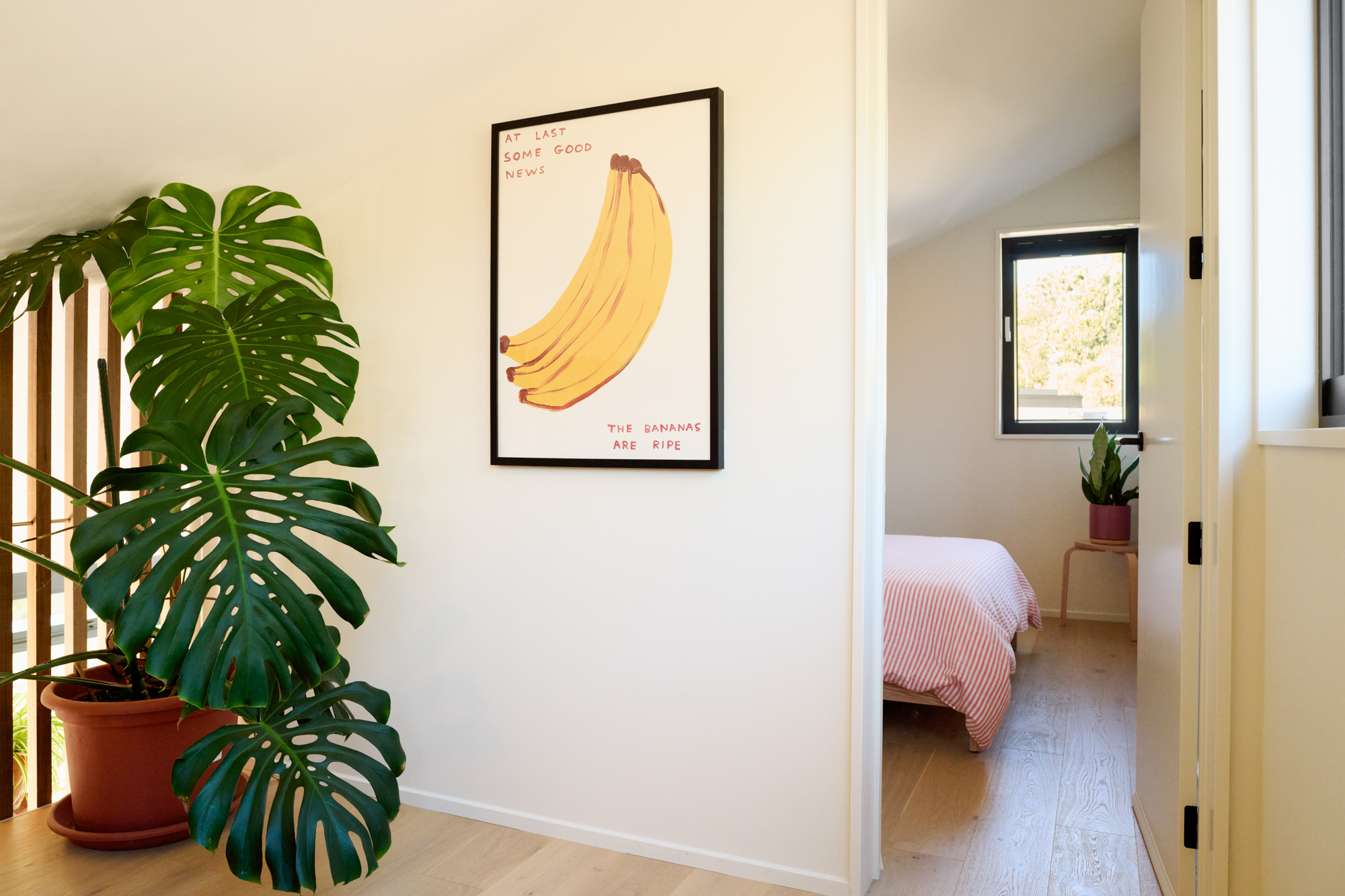 1112
1112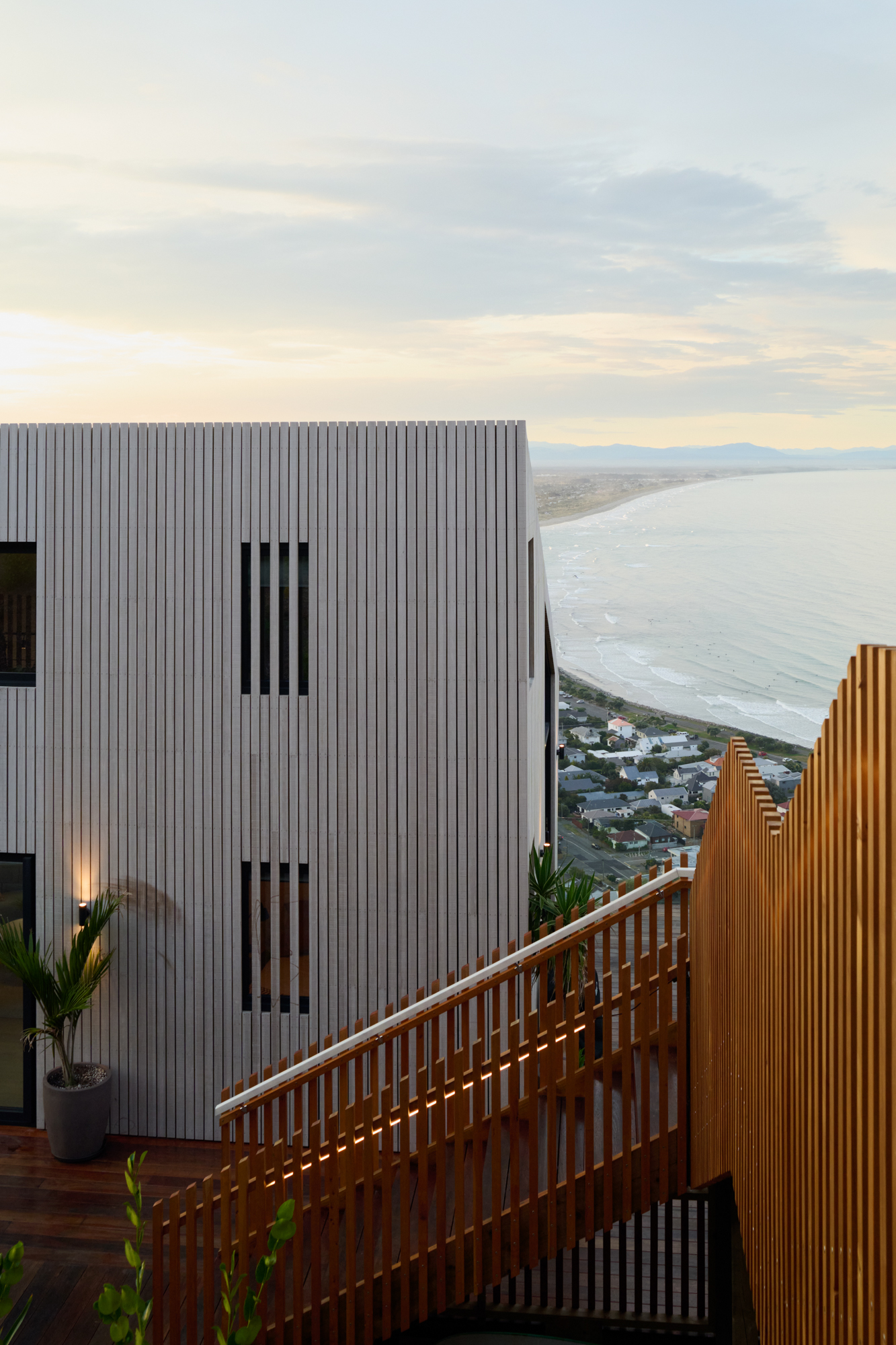 13
13Listing pages hold a maximum of 25 photos.
Not using
Photos you've taken out of your listing. Restore one to put it back in the first empty slot.
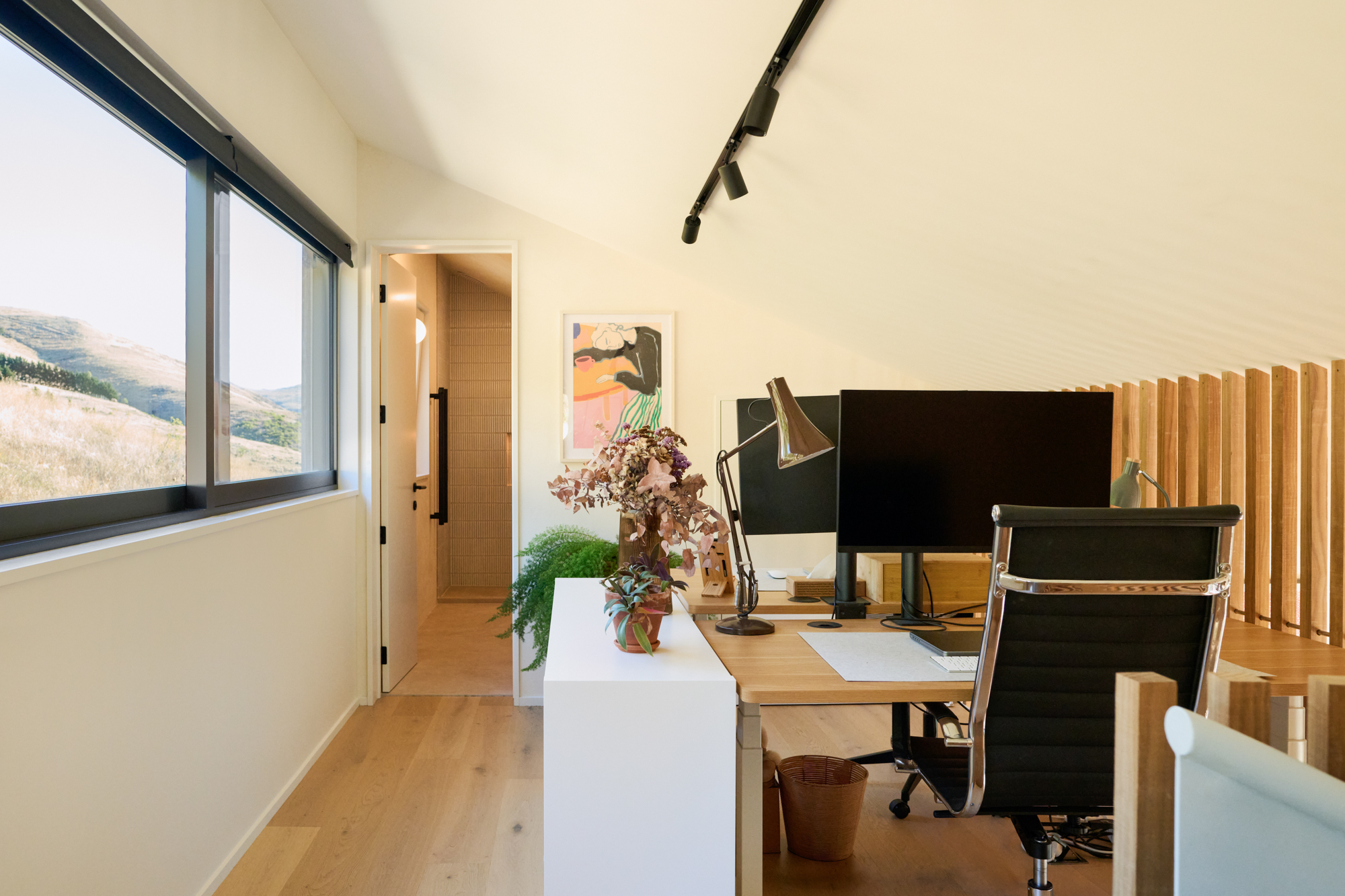
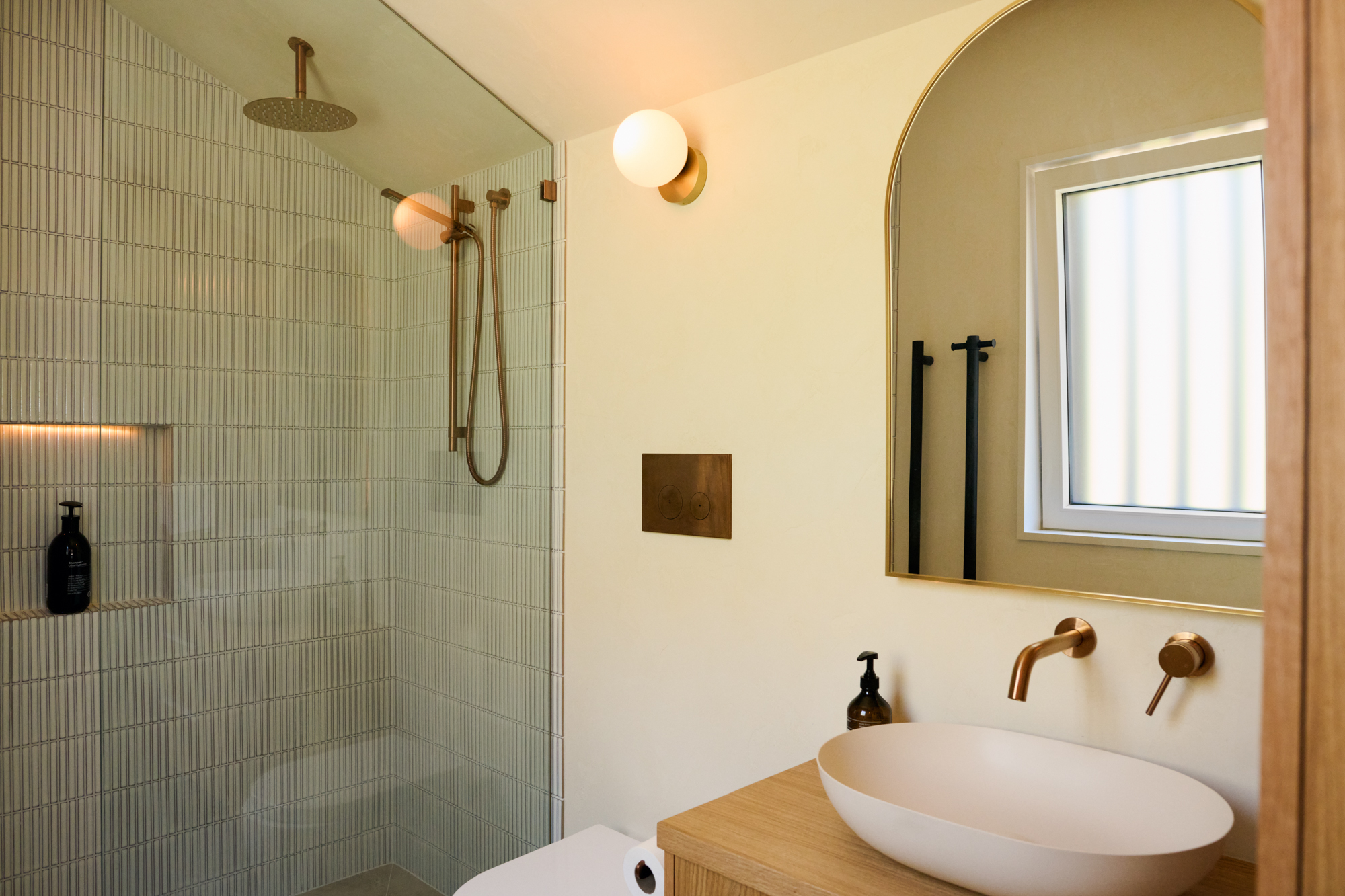
Seller photo
The photo of you on your listing page. Tap another photo to swap.

Frequently asked questions
Quick answers to the questions sellers ask most at this stage.